1333bk App Download — Learn More
Online gaming is no longer limited to desktop. In the smartphone era, people want to play anytime, anywhere — and that's exactly what the 1333bk mobile app is built for. Available on both Android and iOS, the app is specially optimized for users in Bangladesh.
One of the biggest advantages of the 1333bk app is its lightweight size. At just 30 MB, it runs effortlessly even on low-storage phones. It performs flawlessly on most mid-range phones in Bangladesh, and adaptive streaming technology keeps the experience reasonably smooth even on weak internet connections.
Why use the app instead of a browser?
Many players use 1333bk through a mobile browser, but the app experience is in a different league. First, the app loads significantly faster — typically 2-3x quicker than a browser. Second, you get push notifications, so you'll never miss a special offer or bonus. Third, biometric login means no more typing your password every time.
The 1333bk app also has a dedicated "App-Only" bonus section. Log in daily to claim your daily check-in bonus — available exclusively to app users. These small but consistent perks add up, making the app the better choice overall.

All Game Types in One Place on the 1333bk App
Why Is It Important to Keep the App Updated?
1333bk regularly updates its app with new features, bug fixes, and security improvements. Older versions may occasionally fail to load certain games or run into payment gateway issues. It's always best to use the latest version of the 1333bk app. You can check for updates directly inside the app via the "Check for Updates" option.
Security & Trustworthiness
Many people wonder — is it safe to download a third-party APK? The 1333bk app is completely safe because it is hosted directly on the official server. The file carries a digital signature that can be verified, and you can check its SHA-256 hash before installing to confirm it's the original file. The app also does not request any unnecessary permissions on your phone.
Game categories available on the app
- Slots — 500+ variants
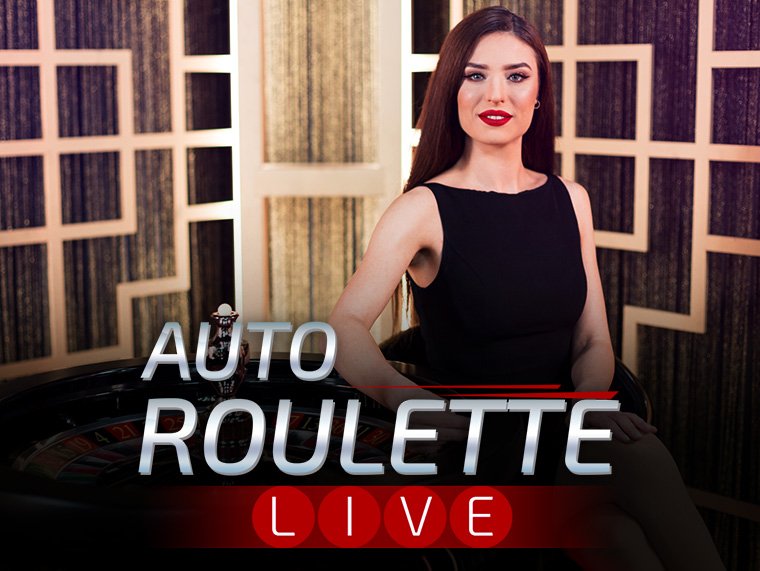
- Live Casino — Play with Real Dealers
- Fishing Games — A popular favourite in Bangladesh
- Sports Betting — cricket, football & more
- Table Games — Roulette, Blackjack, Baccarat
- Arcade Games — Fast & Fun
Deposit & Withdraw Right from the App
Deposit directly through the 1333bk app using Mobile Banking, Nagad, or Rocket — transactions complete in just a few taps. Withdrawals work the same way, all within the app. No need to visit the website separately.
Customer Support
The live chat button is always available inside the app. The 1333bk support team operates 24 hours a day, 7 days a week. If you run into a technical issue, you can send a screenshot directly from the app to report it. Responses typically come within 5-10 minutes.